Change Password
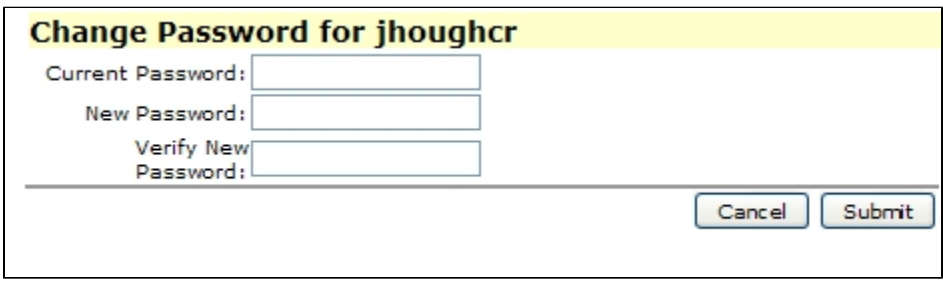
When you were originally given a GEM ID, a password was assigned at that time. This screen allows you to change your current password whenever you wish. You must enter your original password, your new password and must reenter your new password for verification. Your new password must be between 3 and 8 letters or numbers. Passwords are case-sensitive. Neither spaces nor special characters are allowed in passwords.
Change Login Location
Administration
The Administration screens are designed to control how you and others on your ranch access GEM. These screens are not normally accessed on a daily basis, but are rather "special" screens to "set up" things initially in GEM once or just a few times. Some Administration screens such as Credits or Data Uploads and Downloads would typically be accessed more often, though.